
Knowledge Update Requests
Enabling the Feature
Knowledge gap detection is off by default. To enable it, go to Settings and turn on Knowledge gap detection. Once enabled, two detection paths activate:- From user feedback — when a user marks an assistant reply as “information not found”, AGO reviews the conversation and creates a request shortly after.
- Nightly review — every day at 3:00 AM, AGO scans the previous day’s conversations and files requests for gaps it finds. Conversations already covered by user feedback are skipped.
Viewing Requests
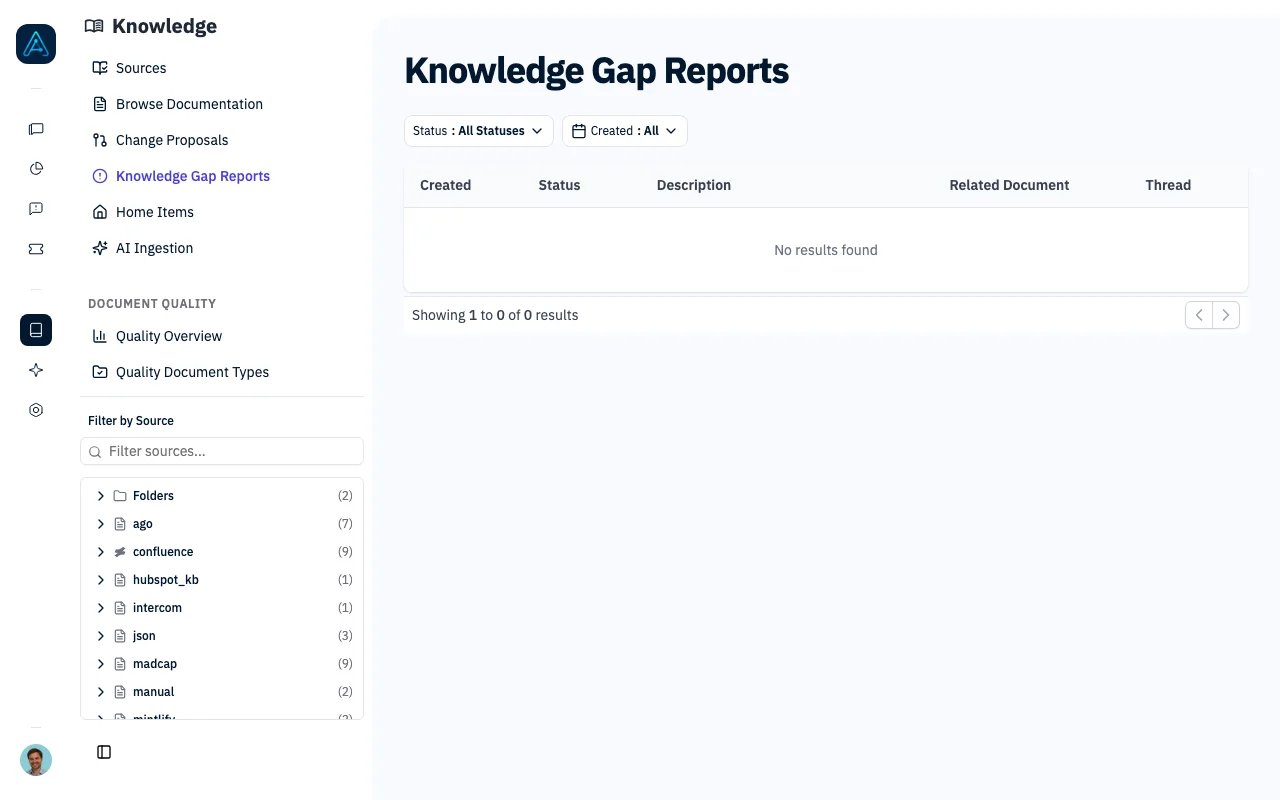
Navigate to Knowledge → Knowledge Gap Reports. The list shows each request with its date, status, origin (user feedback, nightly review, or simulation lab), the agent that handled the conversation, and a summary of the gap. Use the filter bar to narrow by:- Status — pending, in progress, resolved, rejected
- Date range
- Origin — where the gap came from: user feedback, nightly review, or simulation lab
- Knowledge source — the source a page belongs to (for example Notion or Confluence). Lists only sources with at least one request, each with its count.
- Document — a specific knowledge base page. A request matches a page when it is linked to that page or when its suggested edits target it, so you can pull up every request about one page and handle them in a single pass instead of one by one. Lists only pages with at least one request, each with its count.
- Agent — see which agent produces the most gaps
The Report Page
The report page shows two panels side by side:- Left: Conversation — the full conversation thread with markdown rendering, so you can read exactly what the user asked and how the agent responded.
- Right: Recommended edits — AGO’s suggested changes to your knowledge base. Each suggestion includes a type (modify an existing document, create a new one, or add a cross-reference), a rationale, and the proposed content with a Copy button.
- Mark resolved — one click to close the request
- Save — saves the current status and notes
Request Statuses
Best Practices
Review requests regularly with this priority:- High volume topics — multiple requests about the same subject point to a real gap
- Recent requests — fix gaps before more users hit them
- Agent-specific gaps — filter by agent to find which agent needs better documentation
Related
- Knowledge Change Proposals — Review proposed changes
- Knowledge Quality — Quality analysis
- Version History — Track document changes