
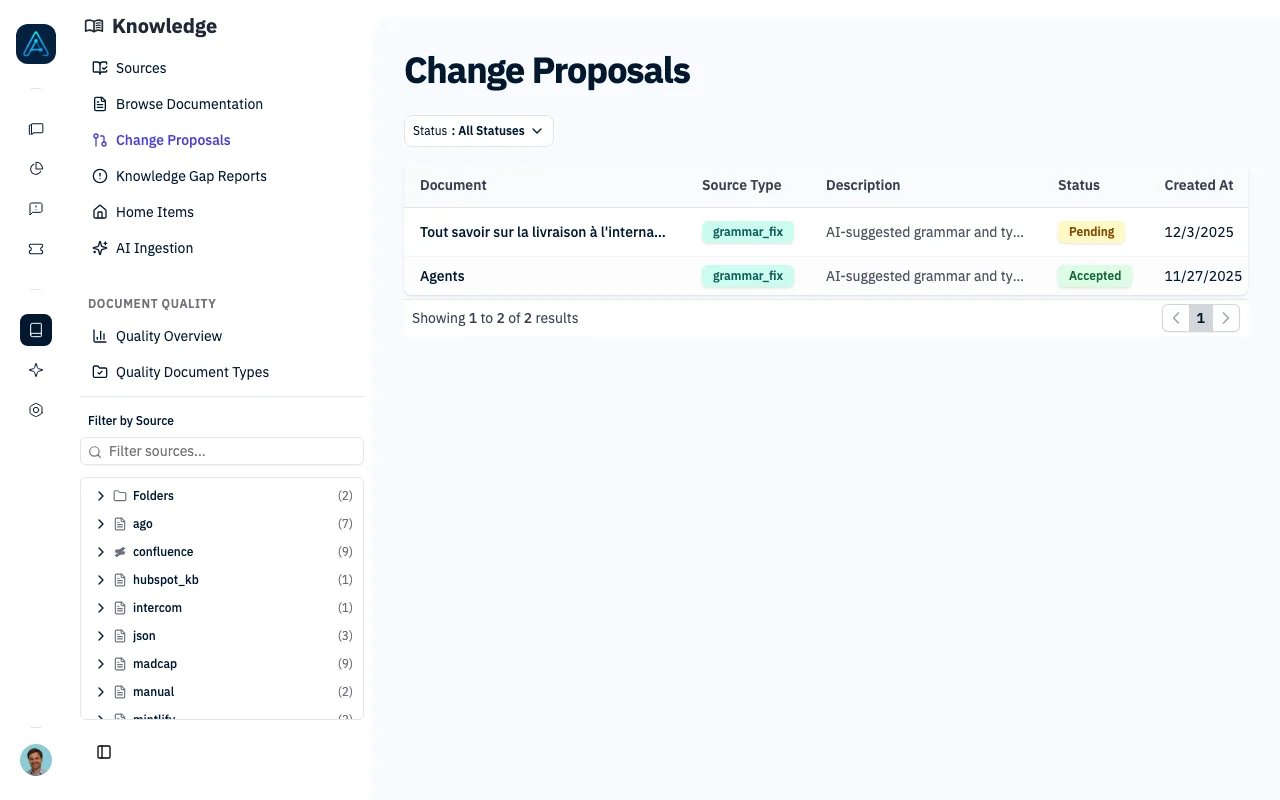
Knowledge Change Proposals
Overview
Change Proposals enable:- Content Review Workflow: Review proposed changes before they’re applied
- Multiple Sources: Accept proposals from quality analysis, feedback, AI, or manual edits
- Edit Before Accept: Modify proposed content before applying
- Audit Trail: Track who reviewed and when changes were made
How It Works
- Issue Detection: A content issue is identified (quality check, feedback, manual review)
- Proposal Creation: A proposal is created with the suggested changes
- Review: Administrator reviews the original vs. proposed content
- Decision: Accept (with optional edits), reject, or modify the proposal
- Application: Accepted changes are applied to the document
Proposal Statuses
Source Types
Proposals can originate from different sources:Managing Proposals
Viewing Proposals
Via Admin Interface:- Navigate to Knowledge → Change Proposals
- Filter by status, source, or document
- Click a proposal to view details
Reviewing a Proposal
The review interface shows:- Original Content: Current document content
- Proposed Content: Suggested changes
- Source Information: Why the change was proposed
- Diff View: Side-by-side comparison
Accepting a Proposal
- Review the proposed changes
- Optionally edit the content before accepting
- Click Accept
- Add review notes (optional)
- Changes are applied immediately
Rejecting a Proposal
- Review the proposed changes
- Click Reject
- Add review notes explaining why (recommended)
- Proposal is marked as rejected
Grammar Fix
The Grammar Fix feature creates change proposals automatically when you run it on a document. See Knowledge Quality — Grammar Fix for how to use it.Best Practices
Review Workflow
- Regular Reviews: Check pending proposals daily
- Prioritize Quality Issues: Address quality-flagged content first
- Add Context: Always add review notes when rejecting
- Verify Changes: Test that accepted changes don’t break formatting
Source Type Usage
Related
- Knowledge Quality — Quality analysis
- Knowledge Update Requests — Request content updates